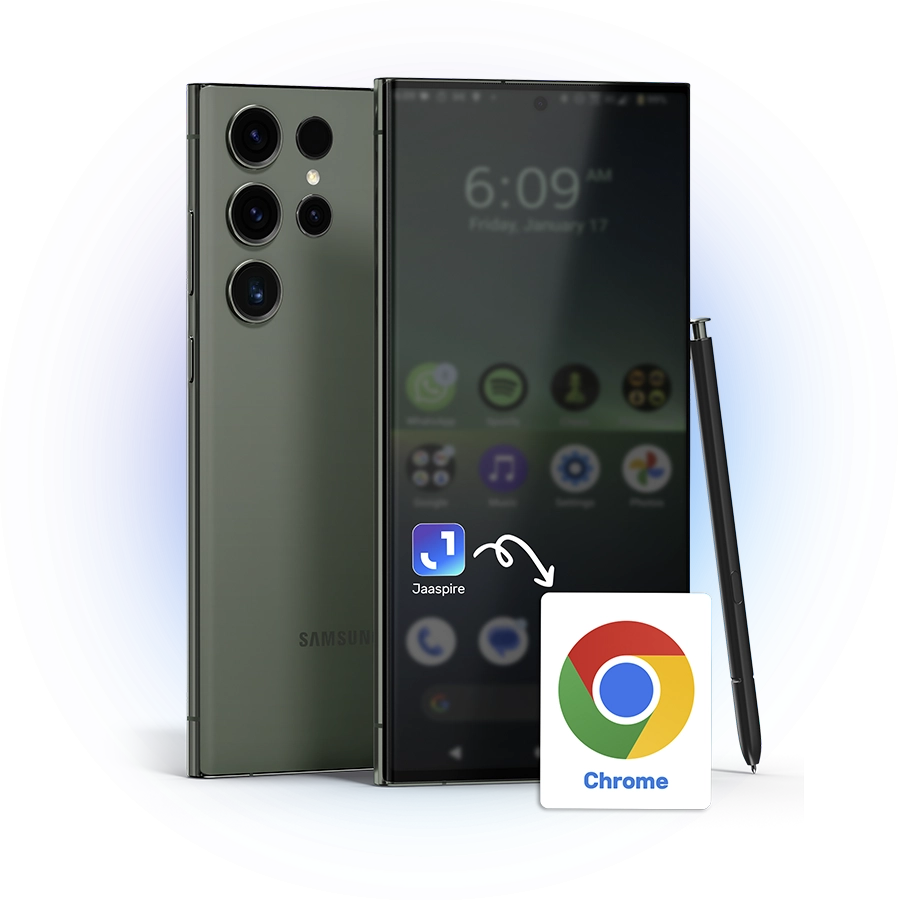
Add the App to your Phone without the App Store
- 1. Tap the Three Dots at the bottom of the screen.
- 2. Tap the Share icon at the bottom of the screen.
- 3. Tap the More button at the bottom of the screen.
- 4. Select Add to Home Screen from the menu.
- 5. Tap Add in the top-right corner. Add
Add the App to your Phone without the Play Store